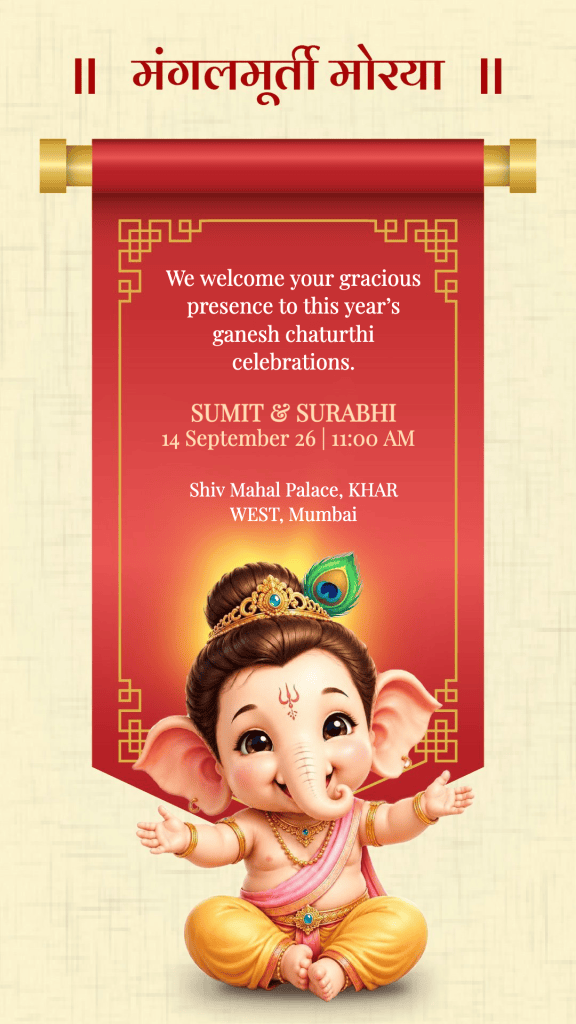
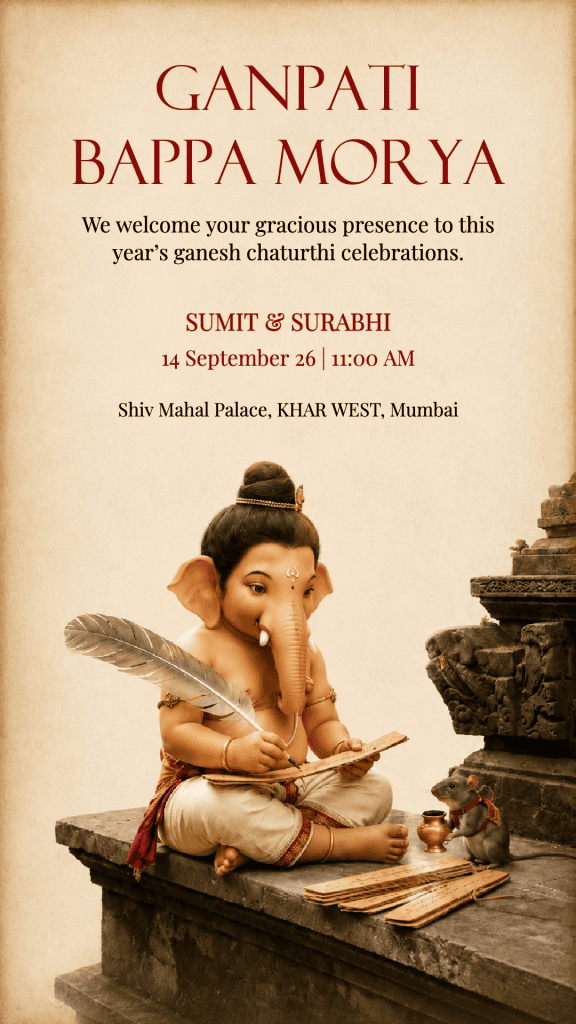
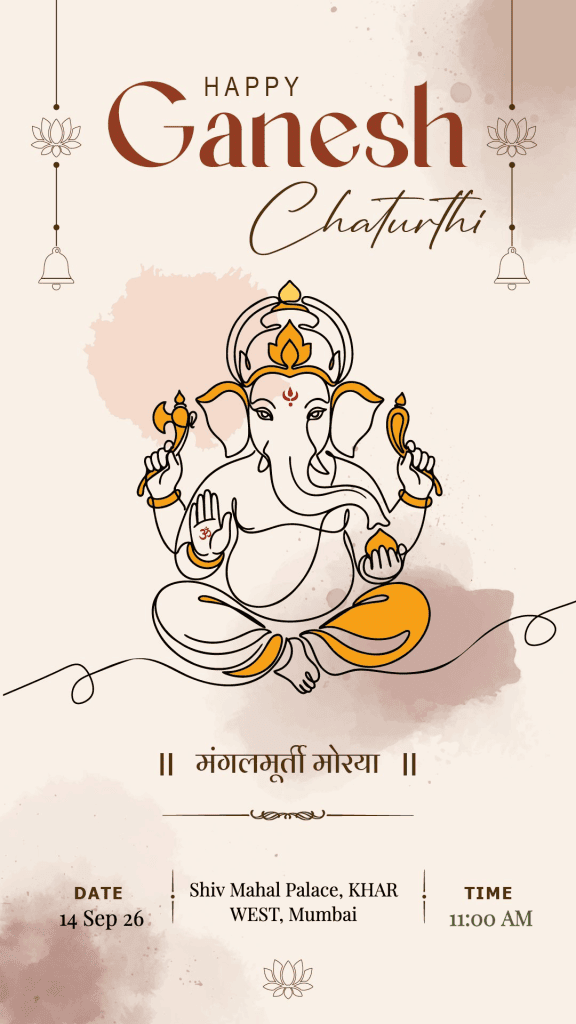
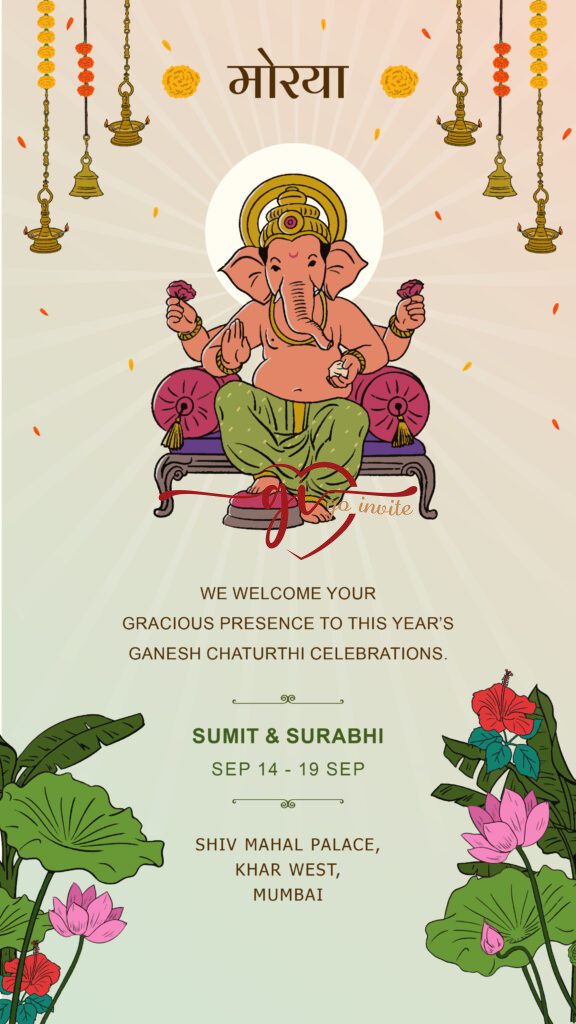
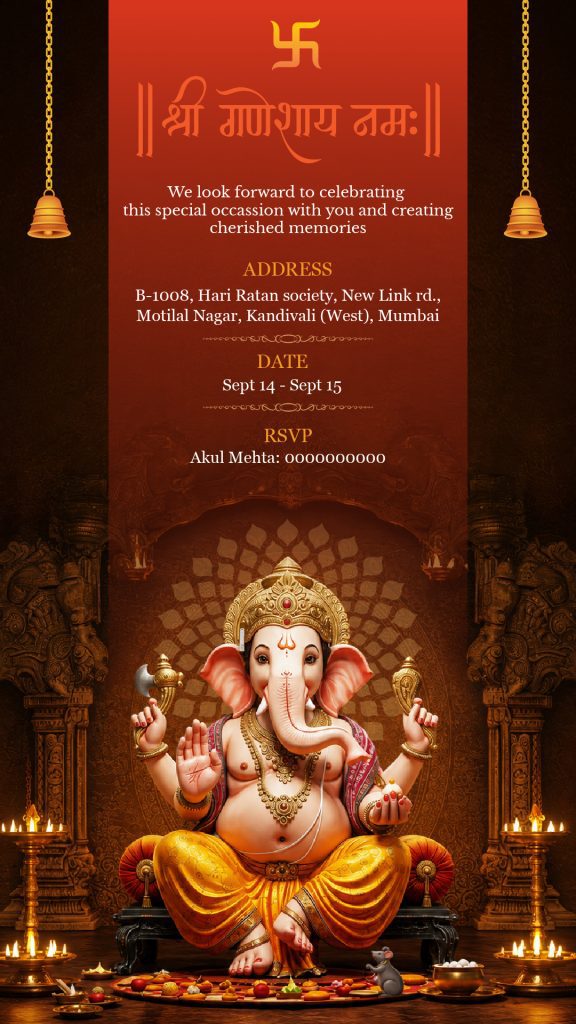
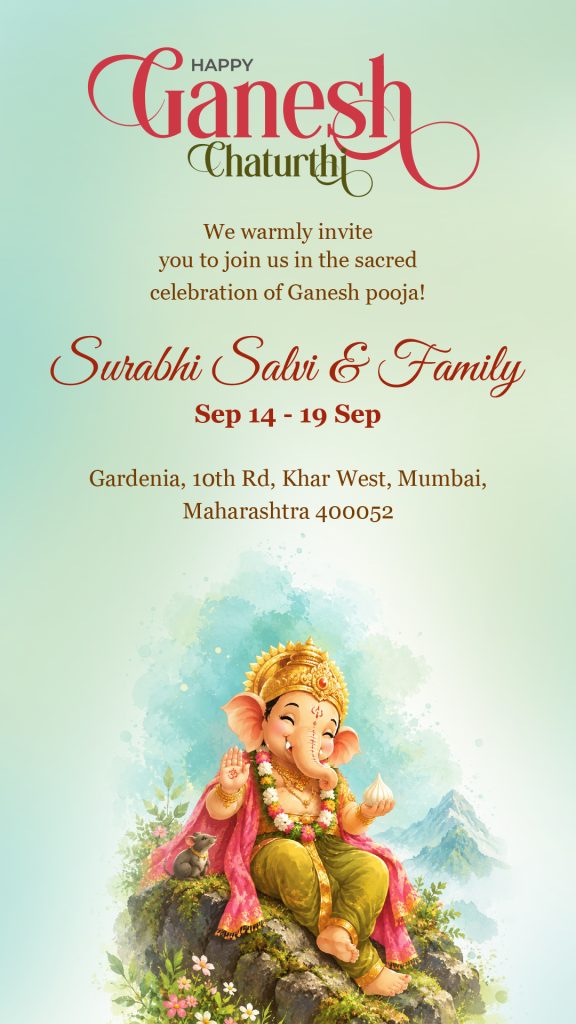
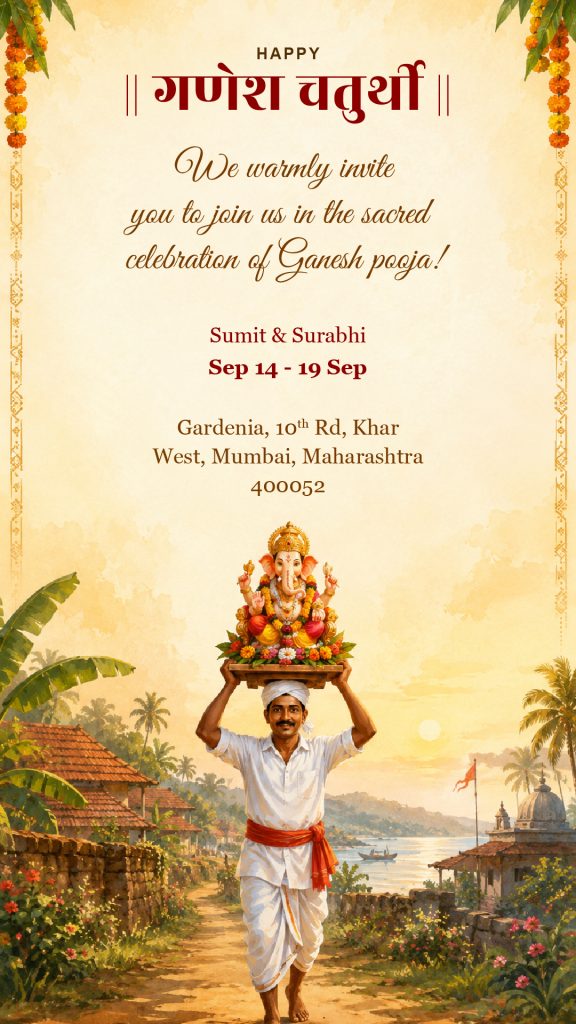
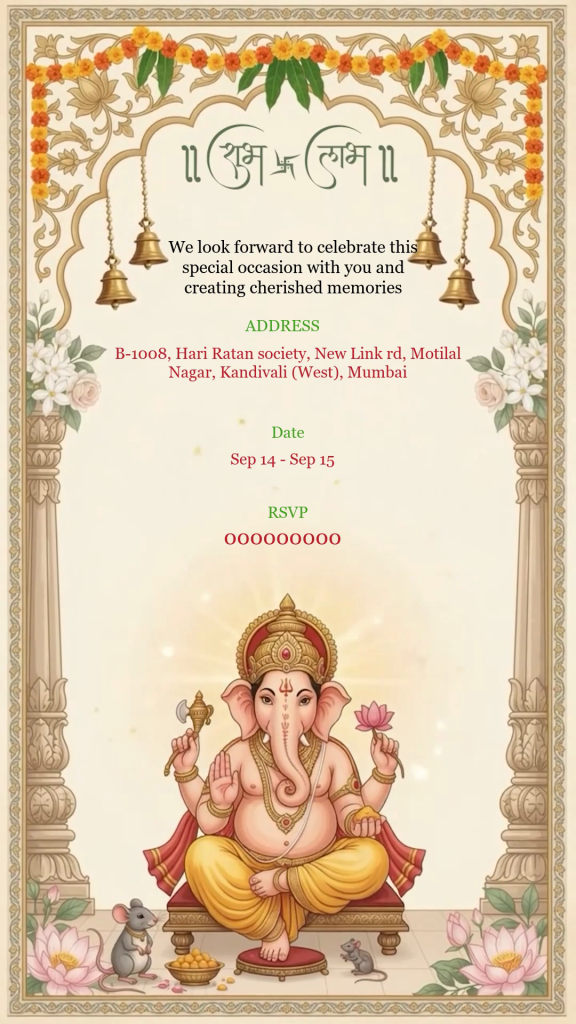
₹499Original price was: ₹499.₹199Current price is: ₹199.
Frequently Asked
Questions
How do I place an order on GoInvite?
Choose your favourite invitation template and fill in the required details in the customization form. Your information will automatically appear in the Live Preview. Carefully check your design, proceed to checkout, and complete the payment. After successful payment, your invitation will be available for download.
Can I preview my invitation before making payment?
Yes. As you fill in or change your details, you can see the changes instantly in the Live Preview. Please carefully check names, spelling, dates, timings, venue details, and other information before completing your order.
How will I receive my invitation after payment?
After successful payment, you can access your invitation in three ways:
From the Order Summary / Order Received page
Through the download link/button sent to your registered email
From My Account → Orders
Click the available download link/button to access and download your final invitation.
Can I share my invitation on WhatsApp?
Yes. Once your invitation is ready, you can download it and share it with your family, friends, and guests through WhatsApp and other supported social platforms.
What if I entered the wrong name, date, venue, or other information?
Please check the Live Preview carefully before placing your order. Your final invitation is created based on the information you provide. If you notice a mistake after placing your order, contact our support team as soon as possible with your Order Number.
What should I do if I don't receive the email or cannot download my invitation?
First, check your Inbox, Spam, Junk, and Promotions folders. You can also log in to GoInvite and check My Account → Orders. If you still cannot access your invitation, please contact our support team.
How can I contact GoInvite Support?
If you need help with your order, customization, correction, or download, contact us: